SnapSign Releases Meet Getty Images Standards — Here Is What That Means
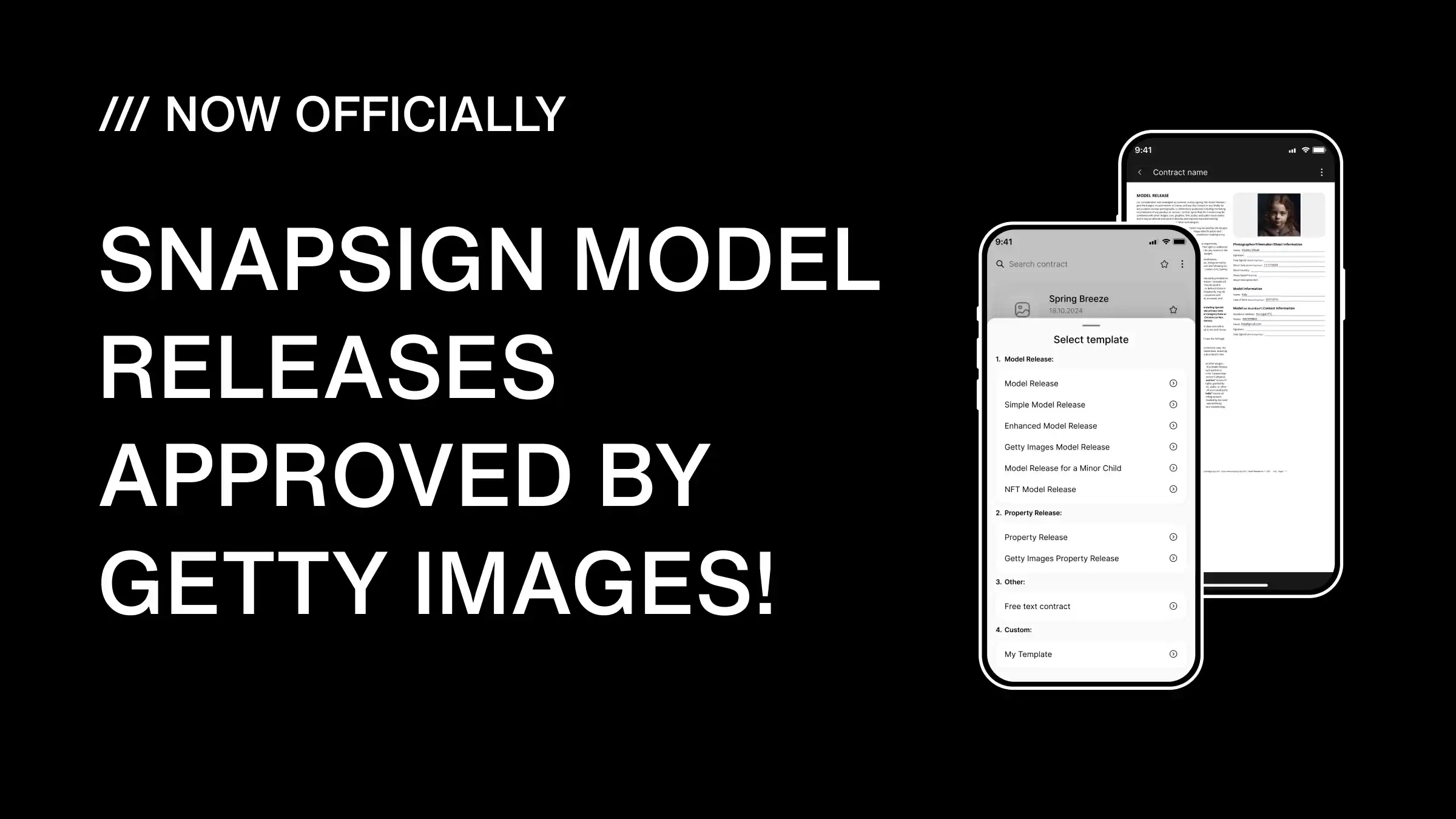
SnapSign model releases are officially approved by Getty Images for contributor submissions. Every required field — legal name, date of birth, witness signature, commercial usage rights — is built into SnapSign's Getty template. The result: releases that pass review the first time, without the most common rejection triggers that flag paper and generic digital forms.
Quick Definition
A Getty-compatible model release is a release that includes every field Getty Images requires for commercial licensing — full legal name, date of birth, specific shoot description, witness signature, model signature, and explicit commercial usage rights language. SnapSign's Getty template includes all of these by default.
How Paper Releases Cost Me Half a Shoot
I was shooting a fashion editorial on a rooftop in central Dublin — fifth floor, no railing, Atlantic wind. The models were crew from a local agency, and the client wanted the images for a commercial campaign with Getty distribution. We had to get model releases from four people. Standard procedure: print forms, clip them to a board, pass them around between setups.
By the time I got the forms back, two were unreadable — wind had pressed the paper against the model's hand mid-signature, smearing ink across the signature line and the date field. One form vanished. Either it blew off the ledge or got stuffed into a bag nobody could find. I lost half the usable images from that shoot — not bad photos, just unsubmittable ones. A model release that cannot be read by a reviewer is not a release. It is a piece of paper with a story attached.
That evening I stopped carrying a clipboard. A few months later, the stock photography platform confirmed that SnapSign's model releases met their contributor standards. The timing felt personal — like someone had been watching me lose a fight with the wind. But the story is not the point. The point is that nearly every photographer who submits to stock agencies learns the same lesson the same way: by losing revenue on images they already shot. Here is how to avoid being next.
What Getty Images Actually Requires — and Why Small Mistakes Get You Rejected
The stock platform's contributor guidelines are more specific than most photographers realize until their first rejection lands. A valid submission release must include every one of these elements. Miss one, and the rejection is automatic — no warning, no second chance, just a generic notification and a reset queue:
- Model's full legal name — must match government-issued ID exactly. Nicknames, stage names, or incomplete names are rejected.
- Date of birth — required for age verification and legal capacity confirmation.
- Photographer or contributor name and contact information.
- Detailed description of the shoot — date, location, concept. Generic descriptions like "portrait session" are flagged by reviewers.
- Witness signature — the platform requires a third-party witness present at the shoot, not just the model and photographer.
- Model's signature — must be legible and match the name on the release.
- Explicit commercial usage rights — the release must specify that the images may be used for commercial purposes, including advertising and promotional use.
The review is manual. A human reviewer checks every release against these criteria — comparing the name to the model's ID, confirming the witness signature is present, verifying the usage rights language covers commercial licensing. A release restricted to portfolio or editorial use will be rejected. When a release fails, the contributor gets a generic rejection message, not a detailed explanation. This is why photographers who submit to major stock platforms regularly become obsessive about completeness. Everyone who skips a field and hopes for the best eventually joins the same support queue. The photographers who bypass this entirely are the ones whose releases are built to match the checklist from the start.
How SnapSign's Templates Cover Every Required Field
SnapSign did not get the platform's approval by coincidence. Every field in a SnapSign model release template maps to a specific requirement in the contributor guidelines. Here is the explicit mapping — row by row, rejection reason by rejection reason:
| Requirement | What Gets Rejected | How SnapSign Handles It |
|---|---|---|
| Full legal name | Nicknames, typos, missing middle name | Structured name field with legal name prompt; Model Profile stores it once to eliminate repeat-entry typos |
| Date of birth | Missing, wrong format, ID mismatch | Required date field with validation; Model Profile stores DOB once for all future contracts |
| Photographer info | Incomplete or missing contact details | Auto-filled from account profile — name and contact embedded in every release |
| Shoot description | Too generic or missing date/location | Dedicated fields for date, location, and concept — locked when signing starts |
| Witness signature | Missing entirely — most common rejection | Witness role built into the template; contract cannot be finalized without it collected |
| Model signature | Illegible, ID name mismatch, scanned poorly | On-screen digital signature at native resolution — no scanning, no handwriting degradation |
| Commercial usage language | Release limited to portfolio/editorial only | Pre-written language covering commercial, advertising, and promotional use |
Each row in that table is a rejection trigger that photographers hit when submitting to the platform. The witness signature alone — the single field most people skip — accounts for a significant share of first-time rejections across all submission formats. Paper forms do not prompt you to get a witness. SnapSign will not let you finalize a contract without one. But matching the fields is only half the equation. The medium matters too — and paper has a reliability problem that structured digital releases solve before a reviewer ever sees the form.
Paper vs Digital — Why Paper Gets Flagged More Often
The review team processes thousands of releases. They see the same failure patterns repeat across paper submissions: handwriting they cannot decipher, dates that conflict with metadata, fields left blank because the contributor did not notice they were empty. Paper introduces variability — every pen, every scanner, every lighting condition when the form was photographed — and that variability is where rejections come from.
Digital releases with structured fields eliminate that variability. The model's name is typed, not scribbled. The shoot description is complete because the field requires input before advancing. The date format is consistent. The witness signature is collected as a separate step, not forgotten in the rush between setups. Reviewers can process a clean digital release faster because there is less to inspect — the format is predictable, all fields are complete, and signatures are captured at full fidelity.
There is one more advantage that matters for long-term stock contributors: auditability. Paper releases sit in a filing cabinet. If the platform questions a release from three years ago, you hope the paper is still legible and you remember where you stored it. SnapSign generates a SHA-256 hash for every signed contract — a unique digital fingerprint proving the document has not been altered since signing. Cloud storage means the release is accessible from any device, not buried in a drawer in a studio you moved out of two years ago.
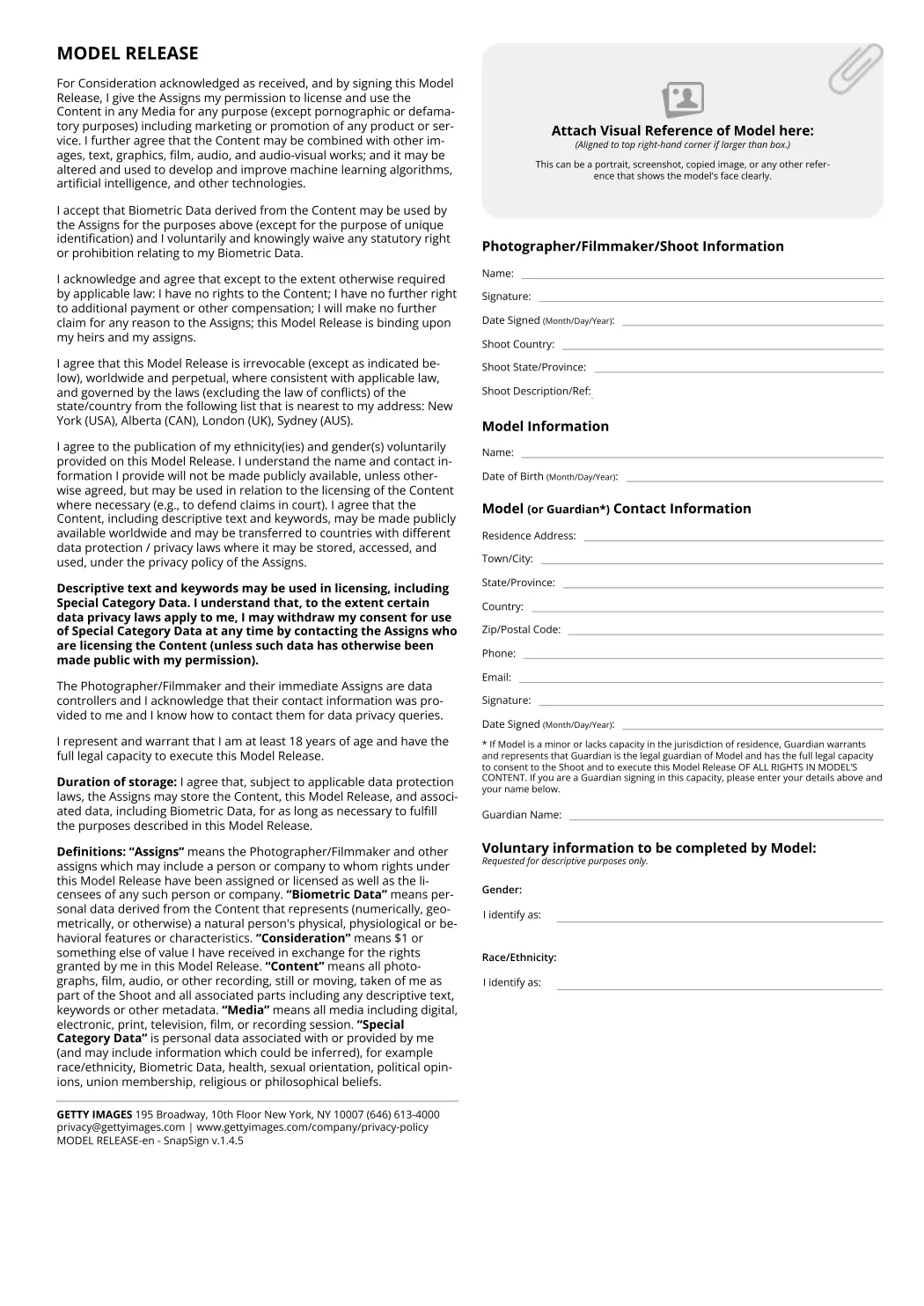
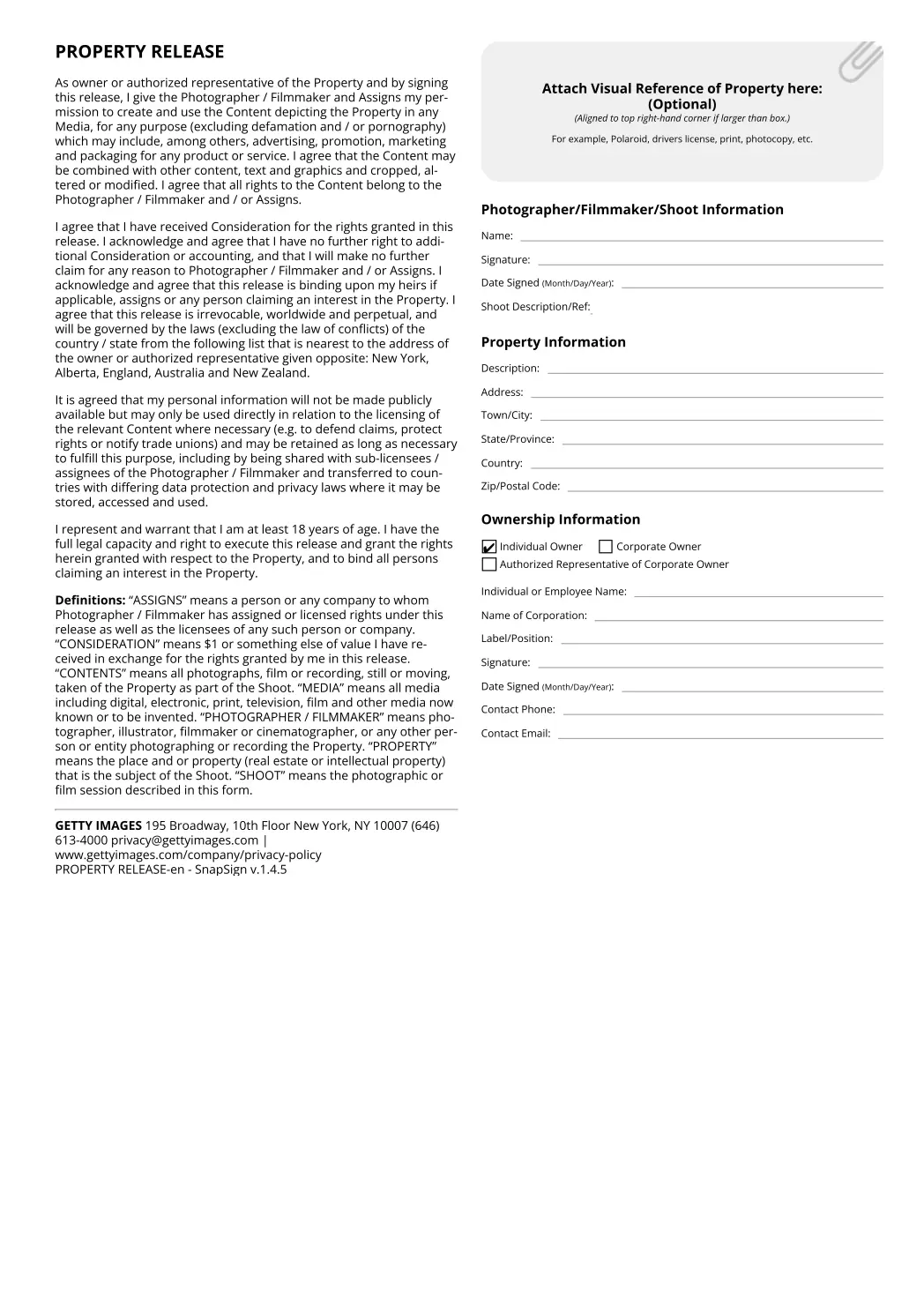
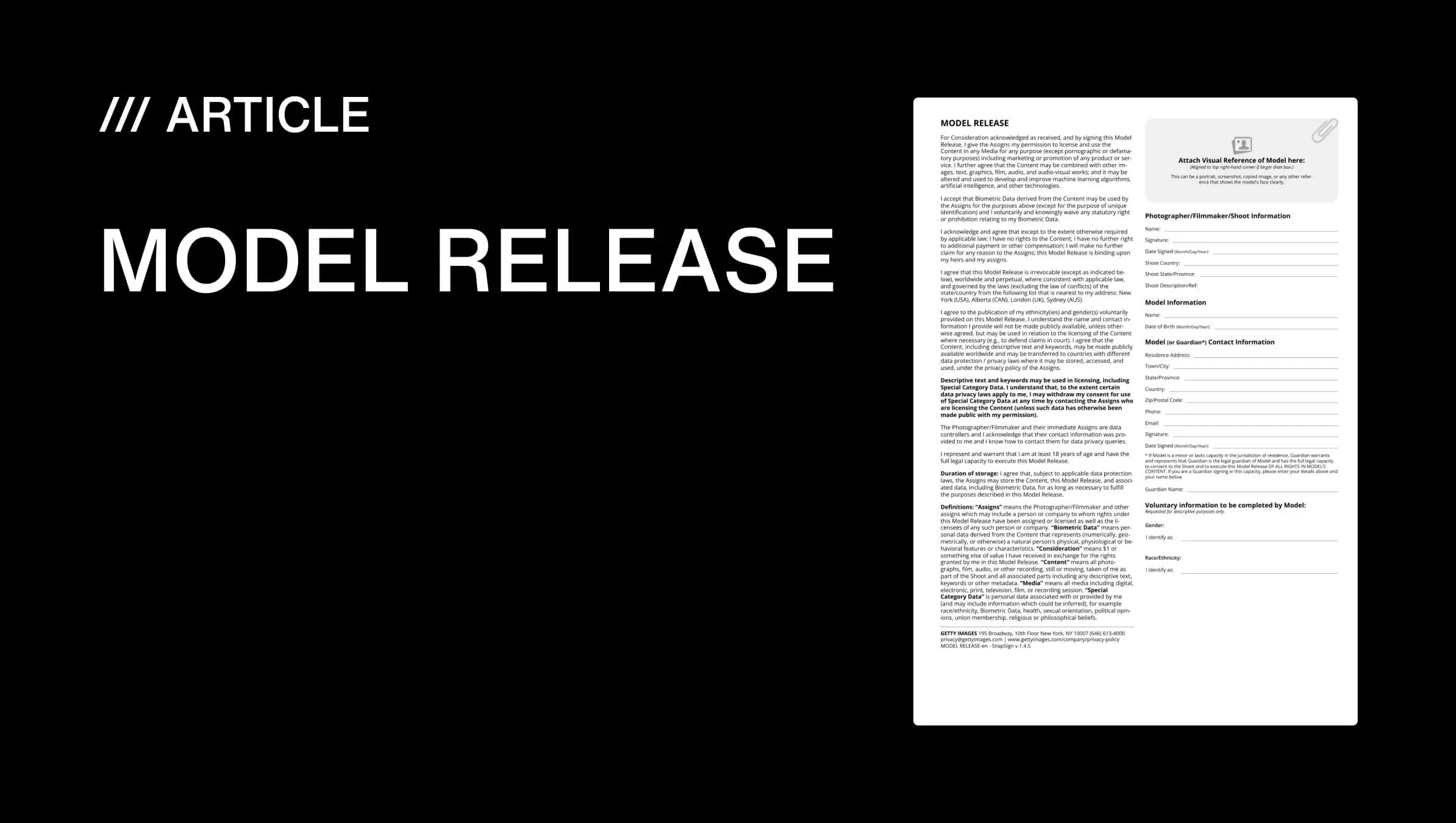
These are the standard release templates — the gold standard SnapSign's templates were mapped against to ensure field-level compliance. Knowing what the form looks like helps, but knowing how to fill it out so it passes inspection is what actually matters.
Getting Your Release Past Review — The Practical Walkthrough
The photographers whose submissions pass on the first attempt do not rely on hope. They run a checklist. Here is the sequence that produces a passing release every time:
- Before the shoot. Open SnapSign, select the model release template. Fill in the shoot details — date, location, concept — while they are fresh. Be specific: not "fashion shoot" but "fashion editorial, rooftop location, central Dublin."
- At the shoot. Hand your phone to the model. They type their full legal name — the one on their government ID. They enter their date of birth. They sign on-screen. 30 seconds per model.
- Witness. Before you pack up, collect the witness signature. This can be a makeup artist, assistant, or crew member — anyone present who is not the photographer. SnapSign will flag this step if you try to skip it.
- Review and finalize. Confirm the model's name matches their ID. Verify the shoot description is specific. Finalize the contract — SnapSign locks all fields and generates the signed PDF with a SHA-256 hash.
- Submit. Upload the PDF release alongside your images in the contributor portal. The release is self-contained — every required field present and legible. No scanning, no resizing, no hoping the signature survived the photo.
This sequence takes less time than printing and scanning a single paper form, and it produces a result the review team can process without flagging incomplete fields. Once you have it down, the walkthrough takes under two minutes per model. Download the official templates below — then the next section covers why one release works across every platform you contribute to.
Download Official Getty Templates
Download Official Getty Templates
Download blank SnapSign PDFs aligned with Getty-style model and property releases—one file per locale we ship.
Getty model release
- Arabic
- Danish
- German
- English
- Spanish
- Finnish
- French
- French (France)
- Hungarian
- Italian
- Japanese
- Korean
- Norwegian
- Polish
- Portuguese
- Portuguese (Brazil)
- Russian
- Swedish
- Turkish
- Ukrainian
- Chinese (Simplified)
- Chinese (Hong Kong)
- Chinese (Traditional)
Getty property release
- Danish
- German
- English
- Spanish
- Finnish
- French
- Hungarian
- Italian
- Japanese
- Korean
- Norwegian
- Polish
- Portuguese
- Portuguese (Brazil)
- Russian
- Swedish
- Chinese (Simplified)
- Chinese (Hong Kong)
- Chinese (Traditional)
Adobe Stock and Shutterstock — One Release Covers All Platforms
Getty is the strictest of the major stock platforms, but it is not the only one that generates revenue. If you contribute to multiple platforms — and most stock photographers do — you need releases that pass everywhere. Meeting the strictest standards means you exceed Adobe Stock's and Shutterstock's requirements automatically. Adobe Stock and Shutterstock both accept the same core fields — model name, date, signature, usage rights — but the most demanding platform checks more thoroughly. A SnapSign release that passes there will pass at Adobe Stock and Shutterstock without modification.
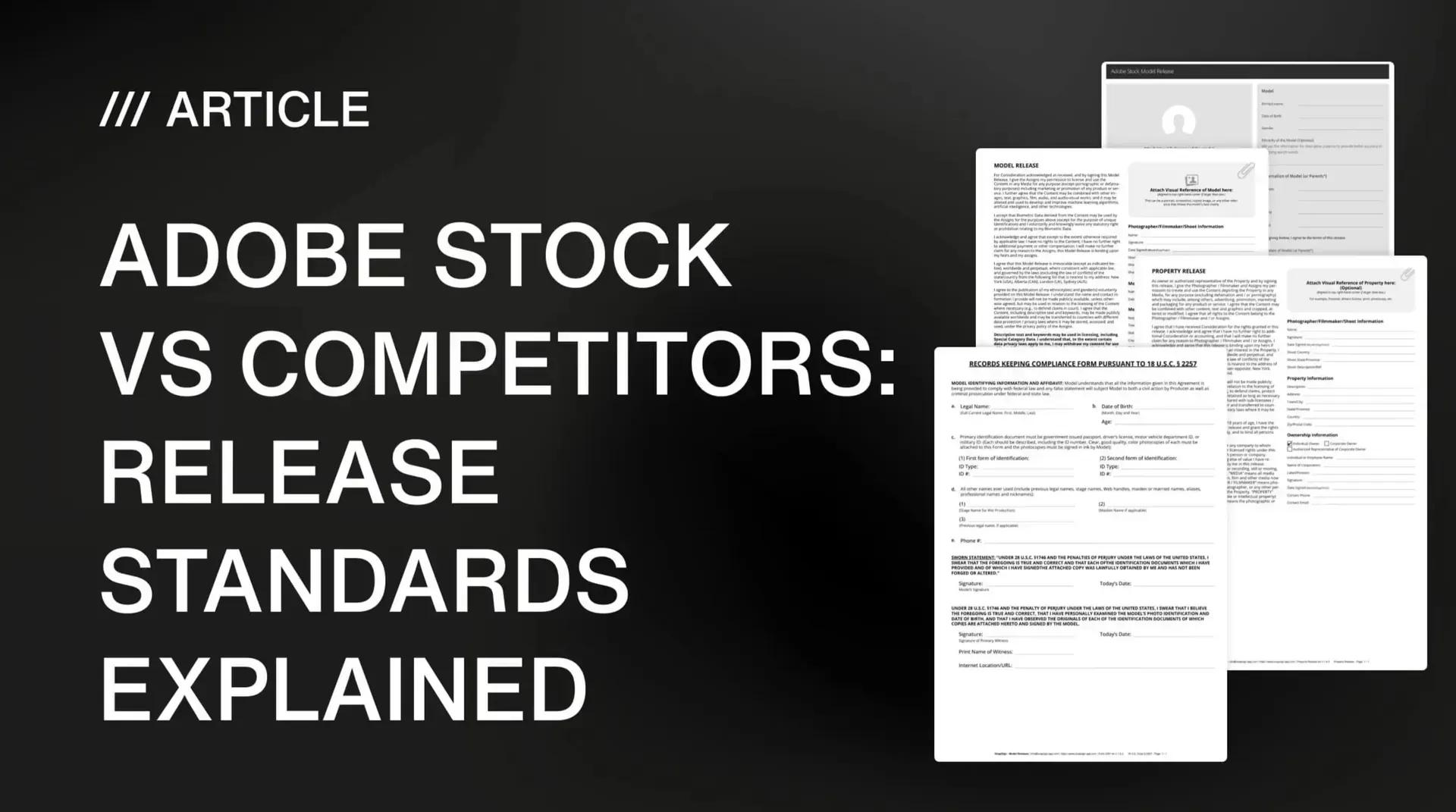
This is a practical advantage on set: you are not asking a model to sign three different forms for three platforms. One session, one signature, one release that works everywhere. We broke down the specific differences between each platform's release requirements in our Adobe Stock vs competitors release standards comparison.
One platform-specific detail that trips up even experienced contributors: the model release is not the same document as a property release or a copyright transfer. Here is what it is — and what it is not.
What a Getty Model Release Is Not
The model release requirement is specific to images submitted for commercial licensing through the platform. It does not replace a standard model release for non-stock use. Three distinctions photographers sometimes confuse — and the confusion is understandable, because these documents have different scopes:
- A Getty release is not a copyright transfer. Signing it does not give the platform ownership of your images. It grants the platform and the photographer the right to license the images commercially. You retain copyright.
- A Getty release is not a property release. If the shoot took place on private property, a separate property release signed by the property owner is required. SnapSign includes a compatible property release template for this.
- A Getty release is not a limited-time permission slip. It grants ongoing commercial usage rights. The model cannot revoke permission later, which is why the release language must be specific about commercial scope at the time of signing.
If you are unsure which release type applies to your shoot, our complete model release guide covers the distinctions between model, property, minor, and platform-specific releases in detail.
Common Rejection Reasons — and How SnapSign Prevents Them
Photographers who submit to stock platforms consistently report the same rejection triggers. Here is what gets releases flagged, and how SnapSign addresses each one:
| Rejection Reason | Frequency | SnapSign Solution |
|---|---|---|
| Missing witness signature | Most common | Witness role is built into the template; contract cannot be finalized without it |
| Name mismatch with government ID | Very common | Structured name field; Model Profile stores legal name once to eliminate typos |
| Illegible handwriting | Common — paper only | All fields are typed; signature captured digitally at native resolution |
| Incomplete or generic shoot description | Common | Required fields for date, location, and concept — locked after signing starts |
| Wrong file format or low-res scan | Occasional | PDF export in compatible format — no scanning, no resolution loss |
| Document altered after signing | Rare but fatal | SHA-256 hash proves document integrity; contract fields lock at signing start |
Each of these is preventable before the shutter fires. The photographers who internalize this — who treat the release as part of the shoot workflow, not an afterthought — are the ones whose images move through review and start earning. Missing one witness signature can sideline an entire batch. That has nothing to do with the quality of your photography and everything to do with having a system that blocks the mistake before it reaches a reviewer.
If you are new to stock photography or expanding to multiple platforms, our complete guide to licensing your work on global photo stocks walks through the full journey — from choosing license types and picking the right platform to building a release workflow that eliminates rejections at the source. Getting the release right solves the paperwork problem. Understanding where it fits in the bigger picture of stock licensing turns that paperwork into income.
Final verdict — Getty Images Model Release Standards
In short: SnapSign meets the stock platform's contributor requirements because every mandatory field is built into the signing workflow. Digital signatures are accepted. Missing witness signatures remain the most common rejection reason — and SnapSign will not let you finalize a contract without one. One signed release covers Getty, Adobe Stock, and Shutterstock.
The platform's model release standards are strict because their commercial licensing model depends on release integrity. A missing witness signature or a mismatched name does not just inconvenience the photographer — it exposes the agency to legal liability if an image is licensed and the release is challenged. SnapSign meets their standards through explicit field-level compliance: every required element is present in the template, every signature is captured digitally at full resolution, every contract is hashed with SHA-256 for verifiable integrity. No wind. No smudged ink. No missing forms. Just a release that passes.