Quick Answer: Release Rules by Platform
In stock photography, every major platform requires model releases for recognizable people in commercial content and property release forms for private, identifiable locations. The difference between an accepted submission and a rejection is usually not whether you included a release - it is whether the release matches that platform's specific expectations for detail, formatting, and supporting documentation. Here is how the five biggest platforms compare at a glance:
| Platform | Model release strictness | Property release | Witness required? | ID verification | Best for |
|---|---|---|---|---|---|
| Adobe Stock | Medium–High | Required for private property | Often | Moderate | Balanced contributors |
| Shutterstock | Medium | Required | Usually | High (AI-powered) | High-volume uploaders |
| Getty Images / iStock | Very High | Required (rigorous) | Commonly | Highest (manual verification) | Premium licensing |
| Alamy | Medium–Low | Required (flexible) | Not always | Low | Editorial & reportage |
| Pond5 | Medium | Required | Sometimes | Low | Video & footage |
Why Trust This Guide
We built SnapSign's release templates to meet the standards of every platform covered here — our Adobe-aligned model release template follows Adobe's review format, and our Getty Images-compliant templates are Getty Images certified. Every finding in this guide is based on the platform documentation linked inline and on contributor experiences reported across r/stockphotography. The rejection reasons and field requirements come from actual platform feedback — if a detail is listed here, it is because a contributor had a submission rejected for getting it wrong. — Pavel Demidovich, Film Photographer, Filmmaker, Founder of SnapSign
Why Release Standards Matter More Than You Think
A stock platform's release standards are the difference between getting paid and getting a rejection email. The frustrating part is that it is almost never a dramatic mistake that kills a submission. It is the small stuff. One missing signature. A date that does not match. A model's name spelled one way on the release and another way in your metadata. The reviewer note says "Release incomplete" or "Information mismatch," and you swear everything was filled in - until you zoom in and spot the cropped corner or the empty field.
On r/stockphotography, the thread that keeps coming back is some variation of "Why was my model release rejected?" The answers usually converge on one thing: each platform applies the rules differently. A release that sails through Shutterstock can get bounced on Adobe Stock - or the other way around - depending on how strict the platform is with naming conventions, ID verification, and witness requirements. If you submit to multiple platforms, you are not managing one release standard. You are managing five variations of the same standard, enforced with different levels of rigor.
The good news: if you build your release workflow to the highest common denominator, you pass everywhere. The bad news: most contributors never figure out what that denominator is. This guide walks through what each platform actually enforces - so you can stop guessing and start getting approvals.
Model Releases: What Every Platform Expects
A model release is a legal agreement that allows a person's likeness to be licensed for commercial use. If someone is recognizable - face, distinctive tattoos, scars, body shape, or even a reflection - you are in model-release territory. Verbal permission does not count. Stock platforms and buyers need documentation. Here is how the five major platforms enforce it:
Adobe Stock: Consistent, Not Complicated
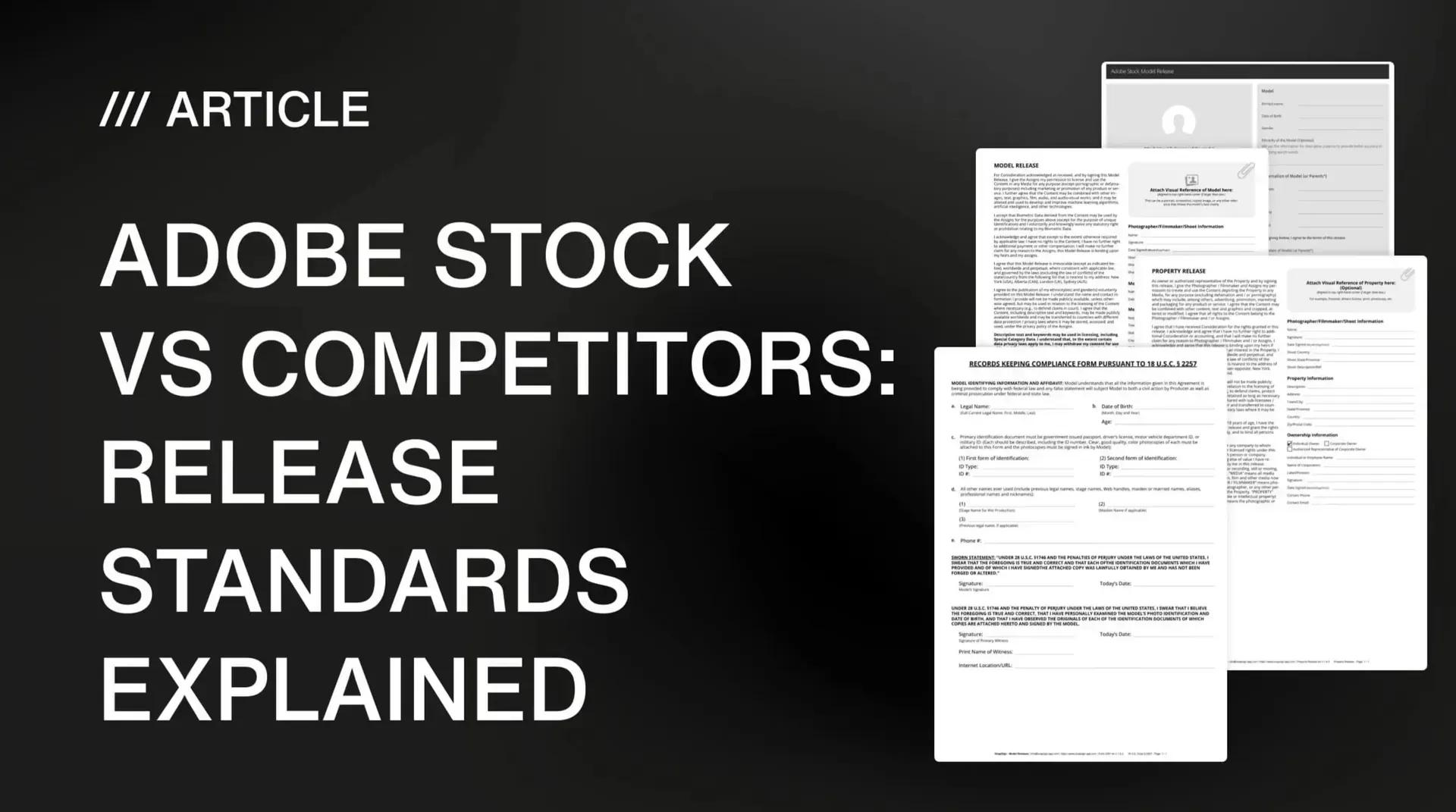
Adobe Stock is often called strict, but a better description is consistent. Once you learn the standard, approvals become predictable. Adobe expects releases to be complete, legible, and internally consistent - names match submission metadata exactly, dates are filled in and logical, signatures are clear and uncropped, and no required fields are left blank. Adobe prefers its own release template format, detailed in the Adobe Stock model release requirements - reviewers recognize it instantly - but custom releases can pass if they include all required information.
Adobe Stock flags releases older than 5 years for manual review - if you are uploading a backlog, have models sign fresh releases. Property releases for recognizable interiors, especially Airbnb-style locations and retail spaces, face stricter scrutiny than they once did. One contributor on r/stockphotography described getting an entire batch of lifestyle shots rejected because the hotel lobby in the background was identifiable, even though the shoot was staged on private property with permission.
How to Fill an Adobe Stock Model Release (Step by Step)
The Adobe Stock model release form follows a specific layout that reviewers recognize. Fill it correctly the first time, and approvals become predictable. Here is the exact information Adobe Stock expects in each field:
| Field | What to enter | Common mistake |
|---|---|---|
| Photographer / Filmmaker name | Your full legal name as it appears on your Adobe Stock contributor account | Using a business name or studio name instead of your legal name |
| Model name | Model's full legal name - exactly as shown on their government-issued ID, including middle names | Leaving out middle names; using a stage name or nickname |
| Model contact info | Address, phone, email - at minimum, Adobe expects a physical address and email | Leaving address blank; Adobe Stock rejects releases with incomplete contact fields |
| Model photo | A clear, recent photo of the model's face - not the ID photo, a separate portrait | Using an ID photo as the model photo; the reviewer needs to match the person in your submission to the release |
| Shoot description | Date and brief description of the shoot - enough to connect the release to the uploaded images | Vague descriptions ("photo shoot" vs "Portrait session, Central Park, June 15") |
| Witness signature | A third-party witness who watched the model sign - name, signature, and date | Leaving the witness section empty; Adobe Stock requires it for most releases |
| Model signature + date | Wet or digital signature from the model, dated on the day of signing | Dating the release months before or after the actual shoot date |
The most important rule: every name on the release must match exactly across all documents. The model's name on the release ↔ their government ID ↔ the name on your Adobe Stock contributor account metadata. One mismatch anywhere in the chain triggers a rejection. See our guide to model release forms for a deeper dive into release structure and legal language.
Property Release for Adobe Stock: When You Need One
A property release (also called a location release form when tied to a specific shoot venue) is required for any recognizable private property appearing in commercial stock content. Adobe Stock enforces property release requirements strictly. You need a signed property release form when your images show:
- Private interiors. Homes, apartments, hotel rooms, Airbnb rentals, co-working spaces, retail stores - any interior the public does not have unrestricted access to.
- Recognizable exteriors. Distinctive buildings, private residences, gated communities, and branded architecture - even if photographed from a public street.
- Artwork and designs. Paintings, murals, graffiti art, sculptures, product designs, and tattoos - the creator or property owner holds the rights.
- Pets and animals. Recognizable animals - including thoroughbred horses, show dogs, and exotic pets - may require a property release from the owner.
Getting a property release for Adobe Stock follows the same structure as a model release: the property owner grants permission for the likeness of their property to be used commercially. The owner's name, the property address, and a description of the shoot are essential. Without one, Adobe Stock and Getty Images will reject images with recognizable private interiors or exteriors — and Shutterstock flags identifiable interiors as well.
If you submit to multiple platforms, build your property release to Getty-level thoroughness. Include the full property address, the owner's legal name (not a business name), a detailed description of what is being released, and a witness signature. A release that passes Getty's property review passes everywhere. See our FAQ on property release standards across platforms for more details.
Shutterstock: High Volume, Tightening ID Checks
Shutterstock rewards volume but punishes sloppy details. The platform uses automated ID verification - image matching between the model's release photo and their government ID - to flag mismatches. If the ID scan is blurry, cropped, or expired, the release is rejected outright. The model photo on the release must clearly match the uploaded content and the ID. Shutterstock contributors on Reddit frequently report rejections for ID photos that looked acceptable to the human eye but failed the automated check - the fix usually involves using a flatbed scanner instead of a phone camera for the ID, and ensuring the expiration date is clearly visible.
Shutterstock is less strict than Adobe Stock on older release dates - if the ID was valid at the time of signing, the release may still pass even years later. But the platform is more aggressive on keyword and metadata accuracy. Mismatched metadata between the release and the submission will trigger a rejection even if the release itself is perfect.
Getty Images and iStock: The Gold Standard of Scrutiny
Getty Images and iStock occupy the strictest tier. Getty is known for contacting models directly to verify consent - if they cannot reach the model, the submission is rejected regardless of how complete the paperwork looks. They routinely require the model's government-issued ID alongside the release, and they reject releases where the ID photo does not clearly correspond to the model photo on the form. For minor models, Getty requires both parent or guardian consent and guardian ID verification - two separate documents, not just a signature on one form.
Getty has also expanded property release requirements over time - they now request releases for a wider range of locations including apartments, hotel rooms, co-working spaces, and even some public art installations. A commercial image shot in a recognizable location without a property release is increasingly likely to be rejected, even if the model release is perfect. The trade-off: a release that passes Getty's review will pass on any other platform. Build your workflow to this standard, and rejections become rare everywhere else.
Alamy and Pond5: Flexibility With a Catch
Alamy offers the most flexibility - model and property releases are required for commercial use, but the review process is less rigid than the big three. Alamy is particularly strong for editorial and reportage work, where release requirements are relaxed as long as the content is accurately labeled. The catch: Alamy places more responsibility on the contributor to self-police. If a buyer challenges a release later, the liability sits with you, not the platform.
Pond5 is the go-to for video and footage contributors. Release requirements are similar to Shutterstock's baseline, but enforcement is less automated. The platform's primary focus is ensuring that video clips with recognizable people or private property carry appropriate documentation. For filmmakers uploading dozens of clips from the same shoot, one missing release can affect the entire batch - Pond5 treats each clip as a separate submission, but a flagged release on one can trigger a review of related uploads.
Common Reasons Releases Get Rejected - Across Every Platform
Name mismatches are the leading cause of release rejections across every major stock platform - not a missing release, but a small inconsistency between the form and the model's ID. A missing middle name, a nickname instead of a legal name, or a date that does not match the shoot will trigger a rejection that looks bureaucratic but is entirely preventable. The six errors below account for the vast majority of platform rejections.
| What gets rejected | Why it happens | How to prevent it |
|---|---|---|
| Name mismatch | Model's name on the release does not match their ID - missing middle name, nickname used, different name order. | Copy the legal name from the ID exactly. Check middle names. |
| Blurry or cropped ID | Phone photo of an ID with glare, low resolution, or cut-off edges. Shutterstock's AI check is particularly sensitive to this. | Use a flatbed scanner or scanner app. Make sure the expiration date is clearly visible. |
| Missing witness signature | The platform requires a witness but the field is empty. Common on minor model releases and Getty submissions. | Check each platform's current witness requirement before submitting. When in doubt, include one. |
| Release date too old | Adobe Stock flags releases older than 5 years. Getty expects recent documentation. | For backlog uploads, have models sign a fresh release. A shoot with a release dated several years earlier will draw scrutiny. |
| Property not released | Recognizable private interior, artwork, or branded space without a property release. Getty and Adobe increasingly strict. | If the location feels specific and private, get the release before the shoot - not after rejection. |
| Editorial mislabeled as commercial | Content with recognizable people or property submitted as commercial without releases, or labeled editorial when it is clearly promotional. | Be honest about intent. A lifestyle image with models in a boutique hotel is commercial, not editorial. |
Which Stock Agency Has the Strictest Release Requirements?
Getty Images and iStock maintain the strictest model release review process among major stock agencies. Their reviewers contact models directly to verify consent, require government-issued ID alongside every release, and reject submissions where the ID photo does not clearly match the model photo on the form. For minor models, Getty requires both guardian consent and guardian ID - two separate documents, not one signature. Adobe Stock is the next tier: strict but consistent, with rules that rarely change once you learn them. Shutterstock uses increasingly aggressive automated checks but is less demanding on older release dates. Alamy and Pond5 are the most flexible - with the trade-off that more legal responsibility sits with the contributor.
Can One Model Release Work on Every Stock Platform?
Yes - if it is built to satisfy the strictest platform you submit to. A release that clears Shutterstock may fail on Getty if the witness section is incomplete or the ID verification is insufficient. The reverse direction works: a release that meets Getty's standards will generally pass on Adobe Stock, Shutterstock, Alamy, and Pond5. The practical strategy is to build to Getty-level thoroughness once, rather than maintaining platform-specific versions. Every signed SnapSign release includes the fields, signature logic, and witness handling that all five platforms expect - but the final approval always depends on the reviewer. No templating tool can guarantee 100% acceptance across every platform, every time.
How SnapSign Fits Into a Multi-Platform Release Workflow
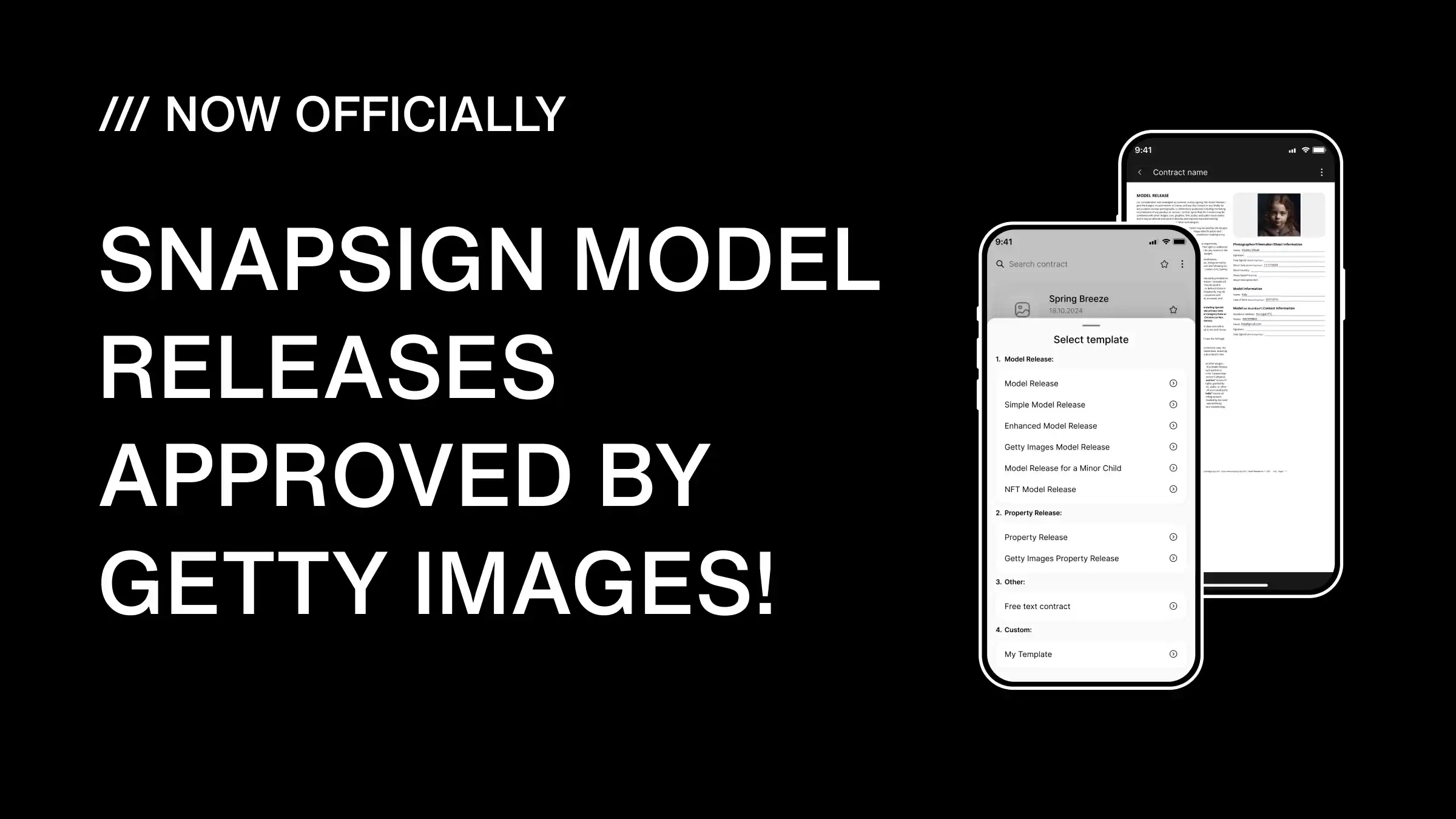
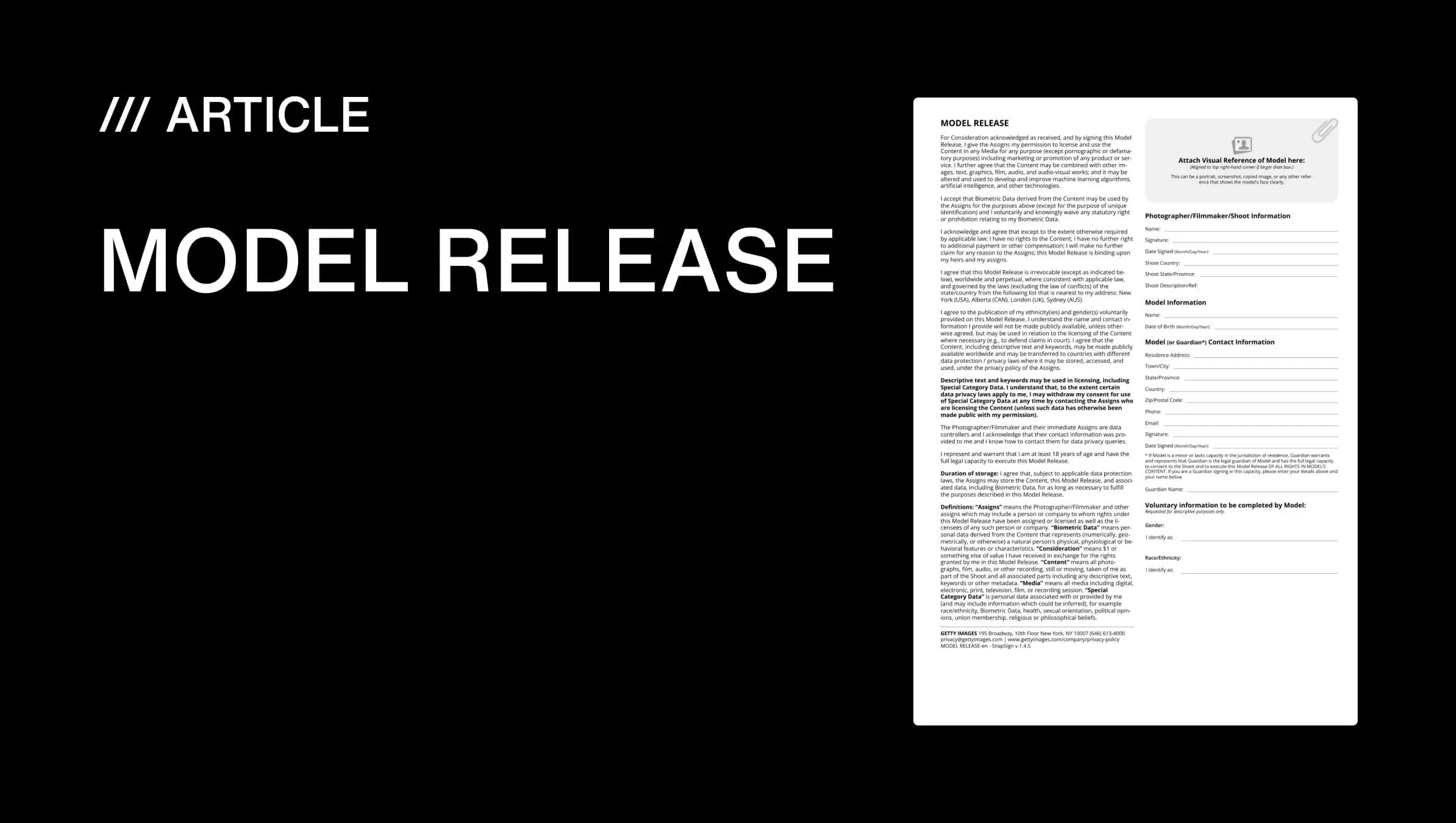
We built SnapSign's release templates to meet the standards of the platforms that matter most to contributors. Our Adobe-aligned model release template follows the structural and legal format that Adobe Stock reviewers expect - required fields, signature logic, witness handling, and identity capture are aligned with their review practices. We also include Getty Images-compliant model release templates that meet Getty's quality and content standards - SnapSign releases are Getty Images certified.
The advantage of using a template built for platform standards, rather than a generic form you found online, is that the platform-specific details are handled before you submit. Names, dates, signatures, and witness fields are structured the way reviewers expect to see them - which eliminates the most common reasons releases get rejected: missing fields, formatting issues, and inconsistent data between the release and your submission metadata.
Every signed release is SHA-256 hashed and stored with a timestamped audit trail - the signer's email, IP address, and signature time are logged. You can verify any signed release through our public contract integrity validator. This matters when a platform questions a release - you can prove the document has not been modified since it was signed.
We also include templates for property releases, 2257 compliance forms, and custom contracts - so you are not switching between apps or PDF editors depending on which platform you are submitting to.
Final verdict - Stock Release Standards
Adobe Stock sits in the sweet spot: strict enough to protect buyers, consistent enough to follow without legal training. Shutterstock rewards volume but is increasingly aggressive on automated ID verification. Getty and iStock are premium and unforgiving - the gold standard of release scrutiny. Alamy offers flexibility with added personal responsibility. Pond5 is the video contributor's workhorse. If you want fewer rejections across every platform you submit to, build your release workflow to meet Adobe Stock's standards at minimum - and Getty's if you can. The difference between a rejected batch and a steady approval stream is not working harder. It is working to a standard that is higher than the strictest platform you submit to.
Download SnapSign Adobe Stock-style model releases (PDF)
Blank forms that follow Adobe's model release layout. Pick a language - each link downloads an unfilled PDF for that template locale.
- Adobe Model Release - English
- Adobe Model Release - Spanish
- Adobe Model Release - French
- Adobe Model Release - French (France)
- Adobe Model Release - German
- Adobe Model Release - Italian
- Adobe Model Release - Portuguese
- Adobe Model Release - Portuguese (Brazil)
- Adobe Model Release - Russian
- Adobe Model Release - Polish
- Adobe Model Release - Japanese
- Adobe Model Release - Korean